

Print File Help
Using Canva? Read our Canva print guide / Using AI images? Read our AI print guide / Not sure what bleed is? Read our bleed guide
Using Canva? Here’s how to export a file properly for print
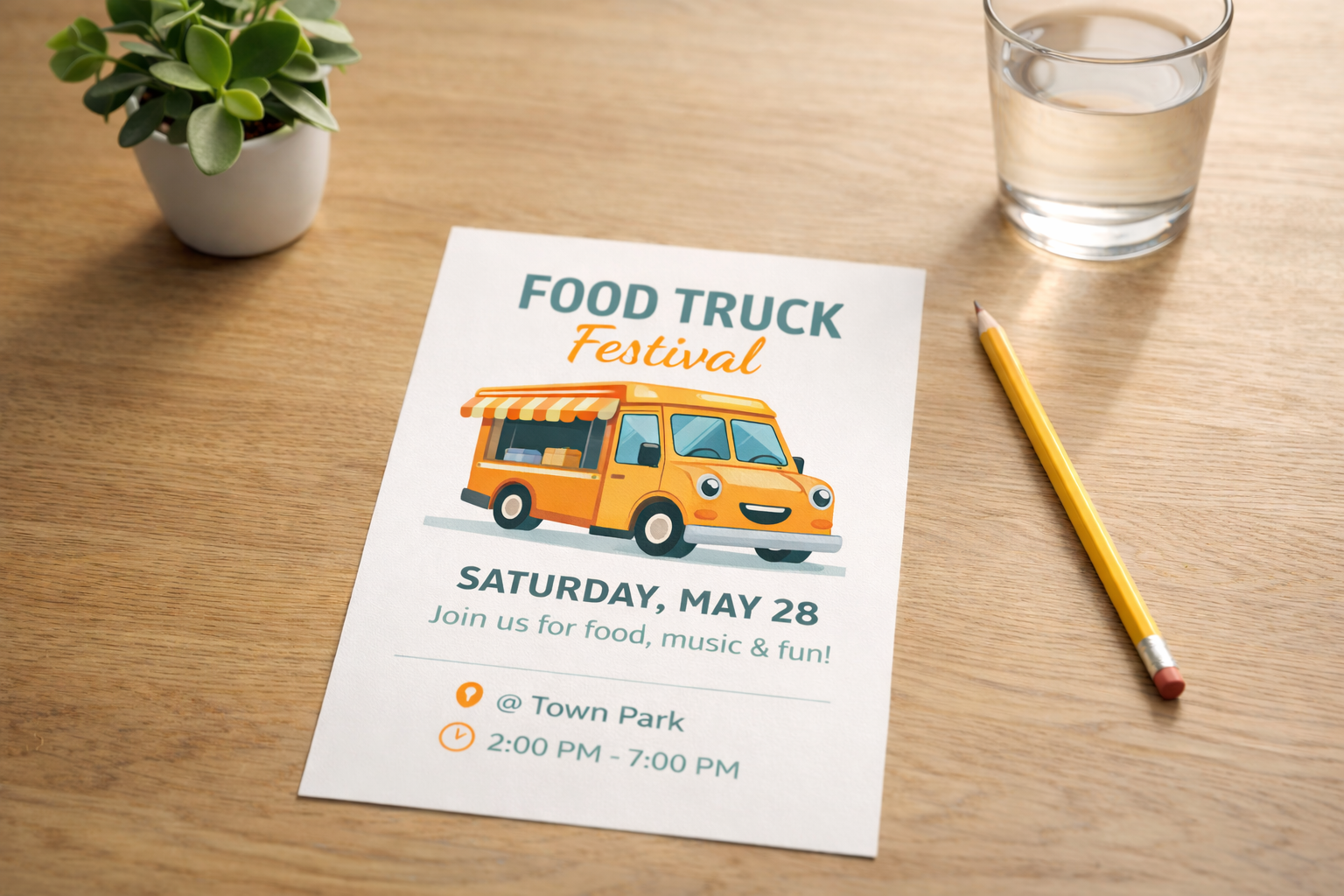
Canva is great for creating flyers, posters, business cards, menus, invitations, and social graphics. But the way you download your file matters. Choosing the wrong settings can lead to blurry prints, white edges, poor colour results, or files that need to be fixed before they can be printed.
Canva’s help documentation says PDF Print is the proper export type for printing, and that users can enable crop marks and bleed when downloading. Canva also notes that PDF Print supports 300 dpi output and offers an RGB or CMYK color profile selection option
Best export settings from Canva
For most print jobs, this is what we recommend:
- Finish your design at the correct size
- Double-check that important text and logos are not too close to the edge
- If your background or colour goes right to the edge, turn on bleed in Canva
- Download your file as PDF Print
- Turn on Crop marks and bleed
- Choose CMYK if Canva gives you that option for your design and plan
- Send that PDF to Parks West
Canva’s Help Center specifically instructs users to select PDF Print and tick Crop marks and bleed when preparing designs for printing. (Canva)
What not to send if you want the best print result
Please avoid sending:
screenshots
low-quality JPGs
PNGs pulled from social posts
PDF Standard exports when the job is meant for print
designs built at the wrong size and stretched later
Canva distinguishes PDF Print from PDF Standard, noting that PDF Print is meant for printing at higher quality and supports bleed, crop marks, and color profile options. (Canva)
What not to send if you want the best print result
Please avoid sending:
screenshots
low-quality JPGs
PNGs pulled from social posts
PDF Standard exports when the job is meant for print
designs built at the wrong size and stretched later
Canva distinguishes PDF Print from PDF Standard, noting that PDF Print is meant for printing at higher quality and supports bleed, crop marks, and color profile options. (Canva)